
Payment tracking for Canadian businesses
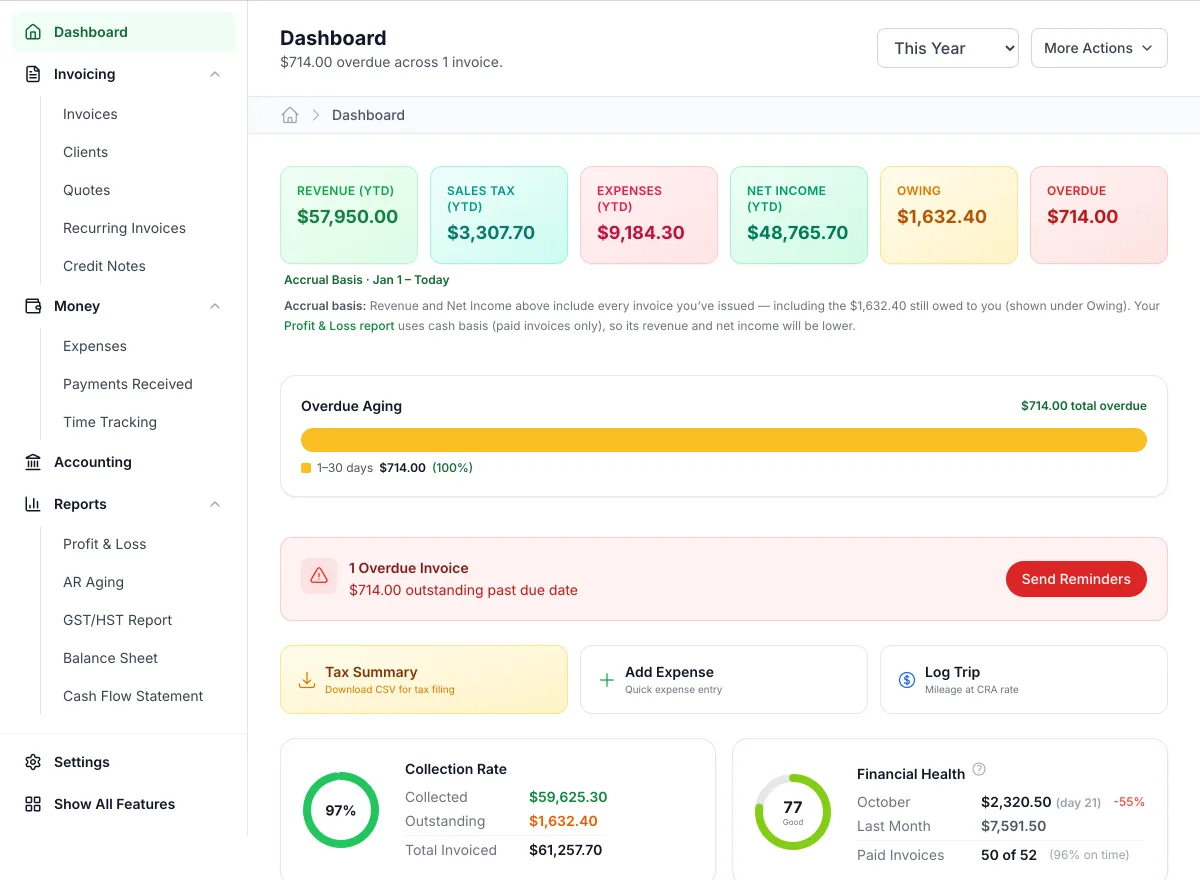
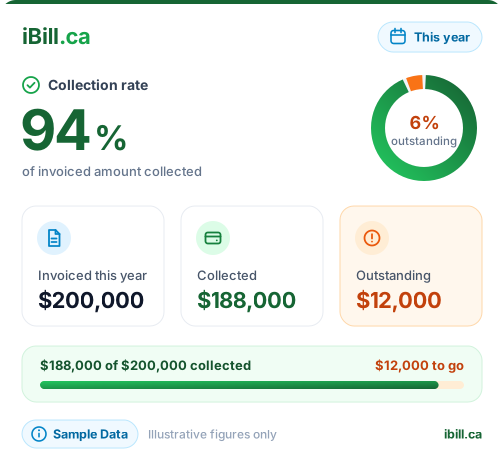
Record each payment when it arrives and iBill keeps the rest straight: what's paid, what's partly paid, what's overdue and what's still owed, client by client.
Free · No credit card · All features included
How it works
Record the payment
Open the invoice and click Record Payment: amount, date, method (Interac e-Transfer, cash, cheque, bank transfer, credit card, debit card or other) and an optional reference.
Watch the status
A full payment marks the invoice paid; less than the total marks it partial. Unpaid invoices past their due date are marked overdue each day.
Give a receipt
Download a receipt PDF showing what was paid and the balance due. Paid on the spot? Tick Paid at time of service when you create the invoice.
Worked example: an Ontario invoice paid in two parts
A plumber invoices a homeowner for a water heater replacement. The homeowner pays half by e-Transfer when the work is done and the rest two weeks later.
| Line | Quantity | Rate | Amount |
|---|---|---|---|
| Water heater replacement Labour and disposal | 1 | $650.00 | $650.00 |
| 40-gallon water heater | 1 | $1,150.00 | $1,150.00 |
| Subtotal | $1,800.00 | ||
| HST (13%, ON) | $234.00 | ||
| Total | $2,034.00 | ||
First payment: $1,000.00 by e-Transfer
| Account | Debit | Credit |
|---|---|---|
| Bank Account (1200) | $1,000.00 | |
| Service Revenue (4000) | $884.96 | |
| GST/HST Collected (2100) | $115.04 | |
| Total | $1,000.00 | $1,000.00 |
The invoice changes to partial with the rest still owing. iBill books each payment's share of the revenue and HST when the money arrives, so your income matches your bank.
The second payment books the remainder the same way and the invoice changes to paid. The receipt PDF lists both payments, the amount paid and a balance due of $0.00.
Keeping payment records honest
Record the date the money actually arrived, not the date you got around to entering it. Your income statement counts payments by that date, and so does bank reconciliation when it matches the deposit.
Use Quick Pay when one cheque or transfer covers several invoices for a client: tick them, choose the date and method, and each is paid in full. Money you give back is recorded as a refund against the original payment, so your history always shows what happened.
Paid at time of service is for work paid on the spot, such as a session paid at the counter. Tick it when you create the invoice and iBill records the payment with the invoice, so you can hand over a receipt without sending anything.
What’s included, and what isn’t
- A payment can't be more than the balance owing.
- Bulk Mark Paid asks for the method and the date received, and leaves out partly paid invoices so they get an exact amount.
- Receipts are available on paid, partly paid and partly refunded invoices.
- Card payments made through the client portal are recorded by you, like any other payment.
- Partly paid invoices aren't marked overdue and don't get automatic reminders; follow up on them yourself.
- Not included: automatic detection of e-Transfers or bank deposits, and emailing a receipt to the client (you download it and send it).
Questions
Can I record a partial payment?
Does iBill know when a client pays?
Can I give the client a receipt?
What counts as overdue?
Related
Know who has paid, at a glance
Record payments in seconds and see what's still owed. See the other invoicing features.
Start freeFree · No credit card · All features included · Join 1,200+ Canadian Businesses